
Apollo NZ Global

Built Intelligence · Architecture & Specification · Architecture & specification

2500, 3500 or 4000 Nits? Outdoor Display Brightness Without the Marketing

Brightness matters outdoors, but it is one of the easiest display specifications to oversimplify. A 4000-nit screen is not automatically a better outdoor screen than a 2500-nit screen, and a high brightness number on its own does not prove that a panel can survive continuous direct sun. The right display starts with the viewing environment, solar load, panel temperature, glass, enclosure and operating conditions.

Apollo NZ Global EditorialPublished 2026-10-07Project intelligence
Editorial guidance — final product, engineering, compliance and site requirements are confirmed for the actual project.
2500, 3500 or 4000 Nits? Outdoor Display Brightness Without the Marketing
01

1. What a nit number actually tells you

A nit is a unit of luminance. In practical terms it describes how much light a display can produce toward the viewer. Indoors, where ambient light is controlled, comparatively modest luminance can create a bright, high-contrast picture. Outdoors the display has to compete with daylight, reflections and direct solar illumination, so a much higher luminance level is often required.

That is why outdoor display specifications commonly move into the 2500-, 3000-, 3500- or 4000-nit range. The number is useful, but only as one part of the visual-performance picture. Two displays with the same headline luminance can behave differently because of glass reflectivity, contrast, panel technology, automatic brightness control and the amount of sunlight falling directly on the screen.

A high nit value should therefore be treated as a capacity, not a guarantee. The useful question is whether the complete display can maintain a readable image in the actual location while staying inside the panel and electronics' permitted operating conditions.

For FÍSVOR, the initial outdoor TV pathway includes 2500-nit premium configurations and 3000–3500-nit higher-brightness configurations, while selected outdoor commercial-display pathways extend to 3000–4000 nits. Those ranges are starting points for project selection, not universal claims about every sun condition.

  • Nits describe luminance, not complete outdoor suitability
  • Contrast and reflection can matter as much as raw brightness
  • The same brightness rating can behave differently behind different glass or enclosures
  • Full-sun operation needs thermal qualification, not just a larger nit number
02

2. Covered, partial sun and full sun are three different briefs

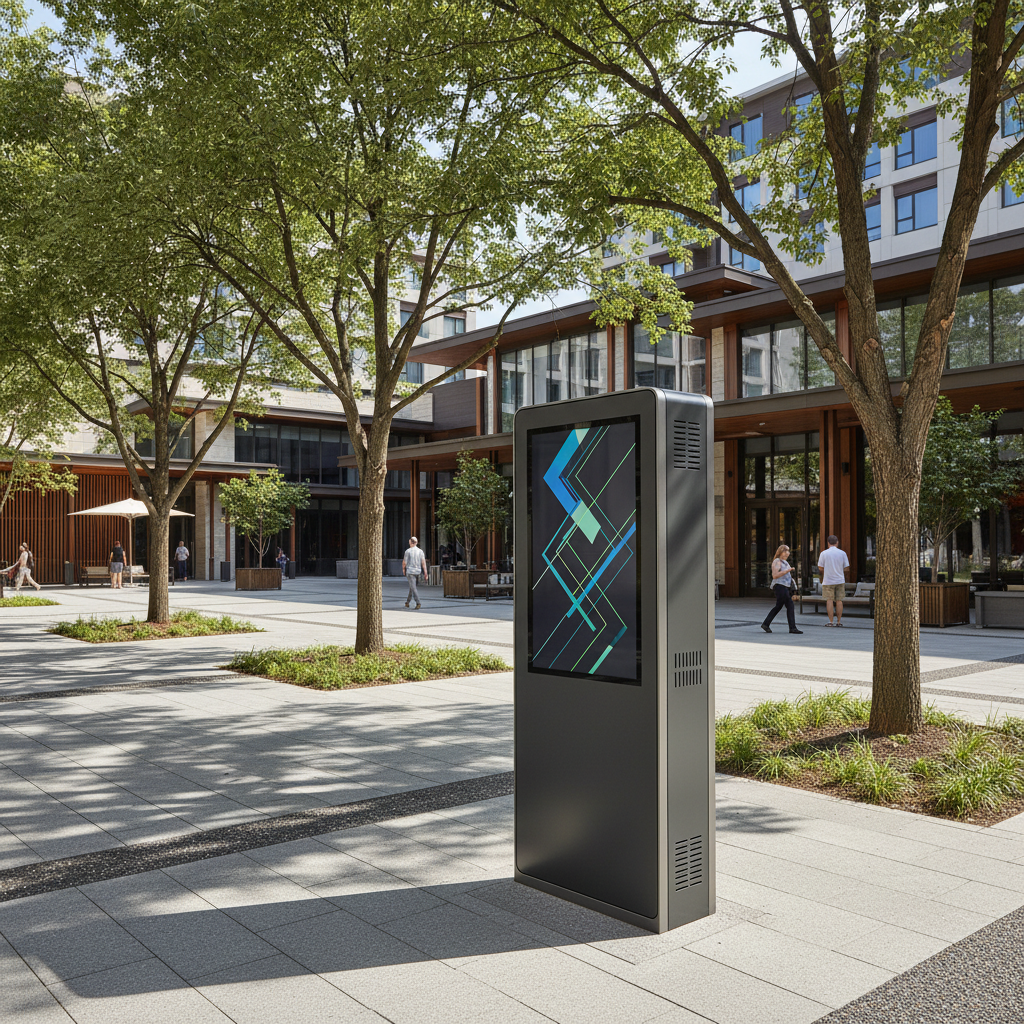
A screen installed under a deep verandah can be technically outdoors while receiving little or no direct solar load. A screen on the edge of that verandah may receive strong afternoon sun for several hours. A freestanding wayfinding display in an open plaza can be exposed to sun from morning through late afternoon. Those are not variations of one condition; they are different technical environments.

Covered or shaded installations are often dominated by ambient daylight, weather protection and viewing distance. Partial-sun projects introduce a changing solar load that depends on orientation, season and nearby buildings. Full-sun locations add sustained solar heating to the display face and enclosure, and the thermal consequences can be more important than the visual consequences.

This is why FÍSVOR separates outdoor projects into covered/shaded, partial-sun and full-sun qualification pathways. The classification gives the technical review a clearer starting point than a vague description such as 'outdoor TV' or 'high brightness screen'.

A useful project brief should state when direct sun reaches the display, approximately how long it stays there, which face is exposed and what the maximum ambient temperature is expected to be. A photograph taken at one time of day is not enough to describe the operating environment.

03

3. Direct sun is a thermal problem before it is a brightness problem

When sunlight falls directly on an LCD display, the panel absorbs solar energy. The front glass, LCD stack, internal air and electronics can all heat above the surrounding ambient temperature. The result is a thermal load that the display has to reject while continuing to operate.

This is where a common specification mistake occurs: a project sees difficult sunlight and responds by asking for more nits. Higher luminance may improve readability, but it can also require more electrical power and create more internal heat. If the panel temperature is already close to its operating limit, brightness alone does not solve the problem.

A true full-sun configuration therefore needs a thermal strategy. Depending on the product, this can involve selected LCD panels with suitable temperature capability, heat-spreading construction, forced ventilation, active cooling, controlled air paths, temperature sensors and automatic brightness or protection logic.

For a high-risk location, ask for the exact selected panel's operating limits and the thermal design of the complete enclosure. Apollo does not treat a continuous direct-sun claim as proven by a brightness figure alone; panel-temperature evidence, enclosure design and warranty conditions must align with the final configuration.

  • Confirm maximum ambient temperature
  • Confirm whether direct sun can strike the LCD face
  • Ask for panel operating-temperature limits
  • Review enclosure cooling and airflow
  • Check what the display does if internal temperature rises beyond the normal operating range
04

4. Reflections can destroy contrast even when the display is bright

A viewer does not experience nits in isolation. They experience the difference between the bright parts of the image, the dark parts of the image and whatever daylight is being reflected from the display surface. If the glass behaves like a mirror, increasing backlight output can only do so much.

Anti-glare and anti-reflective treatments can therefore have a large effect on perceived readability. The goal is not simply to make the screen brighter; it is to reduce the amount of uncontrolled ambient light reaching the viewer from the surface while preserving the intended image.

This becomes particularly important for dark content, wayfinding maps, menu boards and information displays with fine text. A screen may look acceptable showing a high-contrast promotional image but become difficult to read when it displays small black text on a coloured background under the same conditions.

When reviewing a display, test representative content rather than a bright demo reel. The content design itself can support outdoor readability through larger type, stronger contrast, simpler layouts and avoiding subtle dark-grey-on-black interfaces that work indoors but disappear in glare.

05

5. Orientation and time of day can change the answer

A north-, east-, west- or south-facing display can experience very different solar conditions depending on the country, latitude, season and surrounding architecture. A screen that is shaded in the morning may receive intense low-angle sun late in the day. Trees and buildings may help in summer and provide less shade in winter.

For permanent commercial signage, orientation should be documented as part of the technical brief. For outdoor televisions, the architectural design can sometimes do more for performance than a jump in brightness: moving the screen deeper under cover, changing its angle or adding shading can reduce both glare and thermal stress.

Low-angle sun can be particularly difficult because it may reflect directly toward the viewer while also striking the screen. This is common near sunrise or sunset and can affect hospitality terraces, resort areas and public spaces where the viewing direction is fixed.

If the project is still in design, treat display placement as an architectural decision rather than leaving it until the screen model is selected. A small change in position can reduce the technical burden and produce a better viewing result with less power and heat.

06

6. Outdoor TV and commercial signage are not the same product problem

Outdoor televisions are usually designed around entertainment viewing, sound, familiar consumer inputs and a residential or hospitality user experience. Commercial displays are more likely to be portrait or landscape signage systems, freestanding kiosks, dual-sided units or interactive information points that run for long hours and connect to a content-management platform.

The brightness conversation changes with those duties. A resort television used mainly in the evening may not need the same daylight performance as a transport or public-information display expected to remain readable all day. A menu board may prioritise static text readability, while a sports bar screen needs smooth video and sound integration.

Commercial displays also introduce enclosure format, service access, one- or two-sided operation, touch hardware, computer platform, network connection and potentially longer duty cycles. Those factors can affect thermal design and electrical load before brightness is finalised.

FÍSVOR keeps the outdoor TV and outdoor commercial-display families separate for this reason. They can share underlying environmental principles without being treated as interchangeable products.

07

7. More brightness usually means more power and more heat

Driving an LCD backlight harder generally increases power consumption. That extra energy ultimately becomes heat, either in the panel, backlight, power electronics or enclosure. The relationship is not identical across every product, but the design principle is straightforward: there is no free brightness.

Automatic brightness control can help. A display can run brighter when ambient light demands it and reduce output in the evening or under shade, improving viewer comfort and reducing unnecessary power and thermal load. This is particularly useful for commercial displays operating for long hours.

Power planning should include the complete system rather than the nominal screen alone. Cooling fans, active air-conditioning, heaters for cold climates, internal computers, touch systems and communication hardware can all contribute to connected load.

For large multi-screen programmes, those differences accumulate. A higher-brightness configuration may be technically justified at one exposed location and unnecessary at five shaded locations. Site-by-site exposure classification can therefore reduce both capital cost and ongoing energy demand.

08

8. Enclosure and mounting details decide whether the thermal design can work

An outdoor screen does not operate in free air. It sits within a housing, against a wall, on a freestanding base or inside an architectural recess. The way that assembly is mounted can restrict airflow and change the temperature around the display.

A manufacturer may specify minimum rear, side or top clearances for ventilation and servicing. If those clearances are ignored by a custom surround, cabinetry or wall recess, the finished installation can run hotter than the product that was originally tested.

Freestanding commercial displays also need internal airflow paths that remain protected from rain, insects, dust and vandalism. Drainage, filters, vents and service doors need to work together rather than being added independently.

The project should therefore coordinate screen, enclosure, structure and architecture before fabrication. A visually clean installation is valuable, but not if the screen becomes impossible to cool, service or replace.

09

9. The specification should finish with an exposure-and-evidence checklist

Instead of asking 'How many nits do we need?', finish the brief with a short environmental schedule. Record screen type, size, orientation, direct-sun duration, maximum ambient temperature, viewing distance, operating hours, mounting condition, glass requirements, network platform and service-access expectations.

Then match the evidence to the selected configuration. That can include the exact panel specification, brightness, ingress protection, operating-temperature range, thermal-management description, electrical data, certifications and warranty conditions. A certificate from a different model or a generic family statement should not be substituted for the evidence needed by the chosen screen.

For covered or partial-sun installations, this process often shows that maximum brightness is not necessary. For demanding full-sun projects, it makes clear that a high-brightness panel is only one piece of the qualification.

The result is a better project decision: enough brightness for the actual viewing environment, enough thermal capability for the actual solar load, and a mounting and service arrangement that allows the display to keep operating rather than simply looking impressive on a specification sheet.

  • Classify the site: covered, partial sun or full sun
  • Record orientation and duration of direct sun
  • Confirm ambient and panel temperature limits
  • Check glass / anti-reflective treatment
  • Confirm automatic brightness and thermal-control logic
  • Coordinate ventilation clearances and service access
  • Match certifications and warranty to the exact selected model

Move from intelligence to project

Apply the thinking to the actual brief.

Open FÍSVOR Outdoor Display Systems Send a project brief
Project