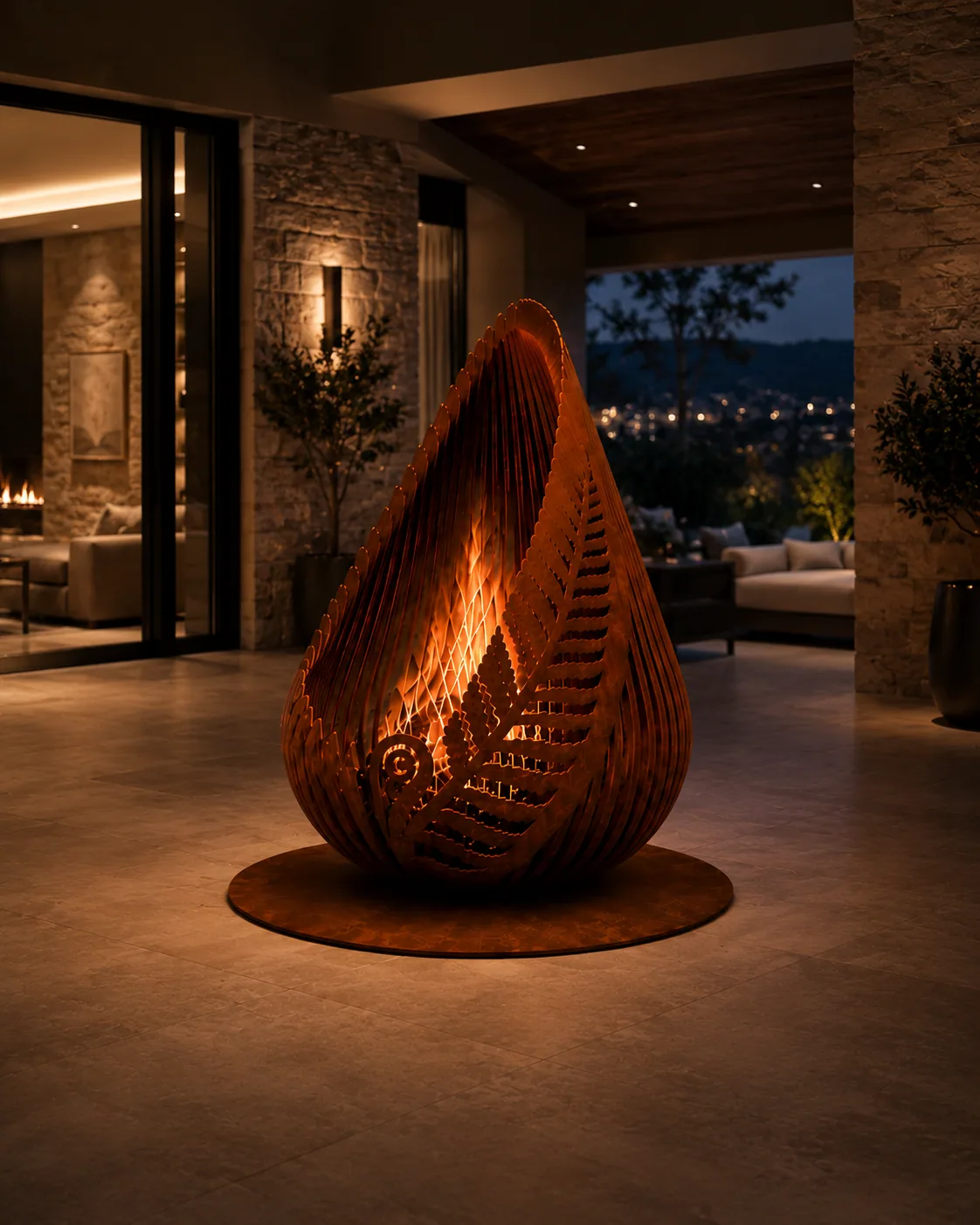
A fire pit should be planned as a managed outdoor heat source, not simply placed where it looks good. The surrounding surfaces, vegetation, structures, people, prevailing wind, smoke route and local fire conditions all belong in the decision.
Planning guidance — final supplied configuration remains project-specific.
01
Start with the surrounding site
Review nearby buildings, fences, decks, pergolas, trees, dry planting, stored materials and circulation routes before fixing the location. Product instructions and local rules control required clearances; a generic website distance should never replace them.
Choose a stable, non-combustible operating area where people can move around the fire without passing through the hottest zone.
02
Think about smoke before seating
Prevailing wind and changing evening breezes can push smoke directly toward doors, neighbours, outdoor dining or seating. Smoke direction should influence the layout as much as the visual focal point.
Wood smoke also contains fine particulate matter. Dry fuel and a hot, well-aerated fire generally reduce unnecessary smoke, but no wood fire is smoke-free.
03
Plan supervision and shutdown
Do not leave an active wood fire unattended. The operating area should have a practical way to control or extinguish the fire and to keep children, pets and guest circulation away from hot surfaces and embers.
Ash and coals can remain hot long after visible flame disappears. Treat shutdown and later ash handling as part of the use cycle, not an afterthought.
04
Dry weather changes the decision
High wind, very low humidity, drought, dry vegetation and official burn restrictions can turn an otherwise ordinary fire into an unacceptable ignition risk.
Check the relevant local fire authority, land-management agency or municipality before burning when conditions are dry or wildfire risk is elevated.
Reference sources
Official guidance behind this resource.
Use these sources alongside the exact product instructions and the rules that apply at the project location.
Essential site functions work without analytics. With your permission, Apollo uses analytics to understand which products, guides and project pathways are useful. Analytics stays off until you allow it.