Live output depends on the connection
The camera supports 1080P live output, so network stability matters as much as image quality. Wi-Fi 6 or a wired RJ45 pathway can be considered depending on the venue and how consistent the available network is.

Sports & Recreation · AI sports cameras
A club that wants a reliable live stream has different network priorities from a team that mainly wants high-quality recorded footage for review. Defining the use case first makes it much easier to plan connectivity, storage and mounting.
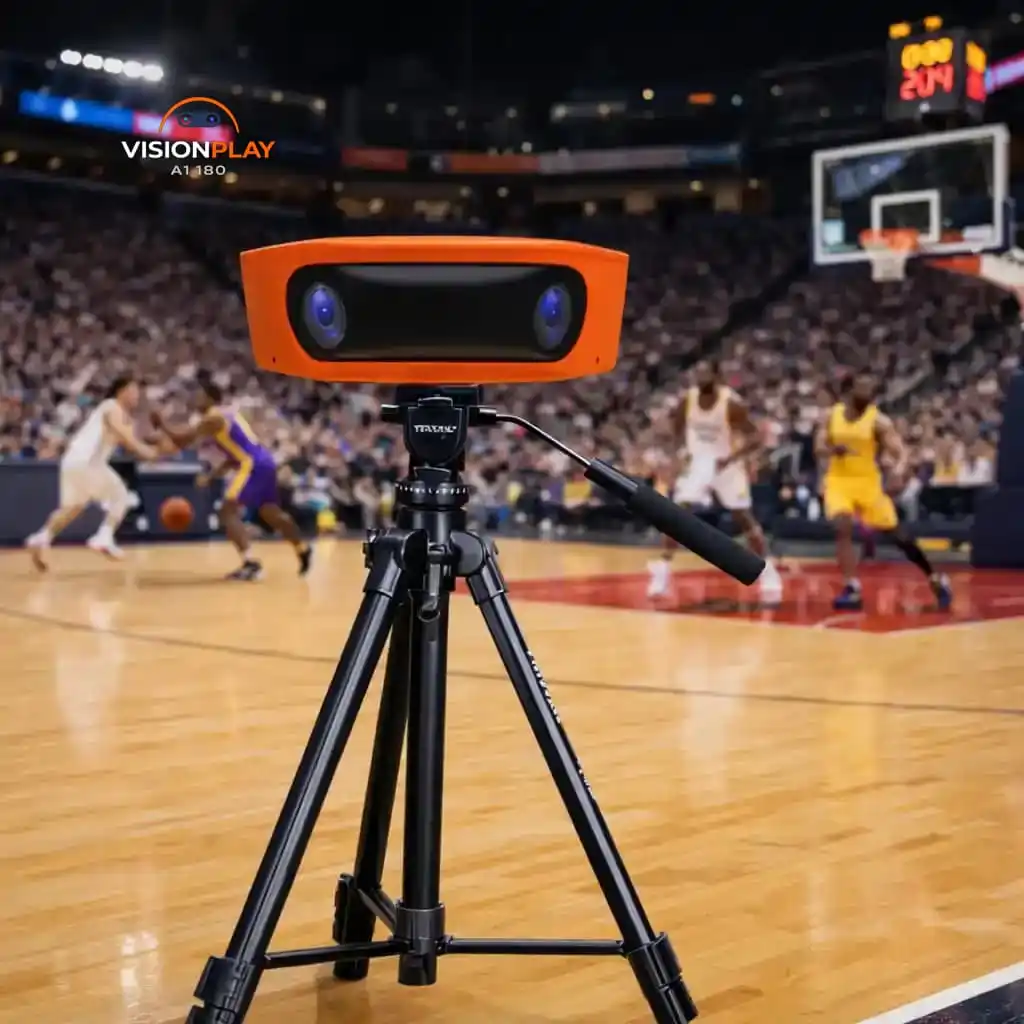
The camera supports 1080P live output, so network stability matters as much as image quality. Wi-Fi 6 or a wired RJ45 pathway can be considered depending on the venue and how consistent the available network is.
The current system supports 4K recording, which can be valuable for coaching review, highlights and later playback. Local eMMC and MicroSD storage pathways allow recording strategy to be separated from the quality of the live internet connection.
Coaches, livestream viewers, event organisers and social-media teams can all want different outputs from the same match. The project brief should identify which use is primary and which features are secondary.
Mounting, charging, network connection, storage management and file handling should be easy enough for staff or volunteers to repeat. A technically capable camera is most useful when the venue can operate it consistently.
Move from article to project